What is Accessibility?
Website design accessibility helps everyone get equal access online: to information, get jobs, find friends, partners, buy products online, to study and learn new things, etc. Accessibility is about making things work for everyone, not just for the disabled. While accessibility may look like it’s designed to help people with disabilities, it actually benefits all users. Accessible websites are easier to use and can improve the overall user experience of a website or application.
If you have a disability, there are many tools and features built into your device which you can use to make it easier for yourself.
The Main Goal of Website Design Accessibility
The main goal of accessible design is to make your website usable by all. Website design accessibility means making your site accessible to as many people as possible. To people with disabilities, such as blindness or low vision, deafness or hearing loss and neurological disorders such as Parkinson’s disease. It also includes making your pages accessible for people with different needs: those who may not be able to use a mouse or move their hands easily, for example.
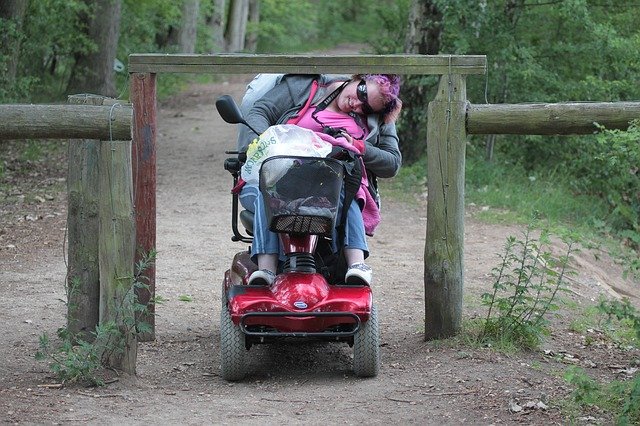
Website design accessibility means making your site accessible to as many people as possible.
Accessibility is important because it helps everyone—not just those with disabilities—navigate the web more easily. In fact, a study conducted by Google found that less than 20% of people who don’t have disabilities reported having problems using the internet (compared to about half of those who do).
Building an Accessible Website
When building a website, it’s important to consider the needs of all users. To ensure that your site is accessible, follow these steps:
- Use the Web Content Accessibility Guidelines 2.0 (WCAG). The WCAG is a set of guidelines created by the W3C to help you make your website more usable for people. It also helps you meet requirements internationally as well as those from organizations such as Section 508 and The Americans with Disabilities Act (ADA).
- Use a screen reader program. These programs let users navigate web pages using only voice commands instead of mouse clicks or keyboard input. If you’re designing for blind or low vision users, test your site with one of these programs before publishing so that it works well for them!
- Make sure your website works well on mobile devices like tablets and smartphones too—these are popular ways people access websites today!
- After that, consider getting feedback from people with disabilities: they know what works best when they’re navigating online spaces!
Avoid Color Contrast Issues
Choose colors that are easy to see and read. Avoid using bright colors for text and backgrounds if the user has trouble distinguishing between them. When selecting a font, choose one that is easier to read on the background you’re using—the contrast between the two is important! For example, if you’re using white paper with black ink as your background, don’t use light lettering or thin lines because they might not be visible enough to read comfortably.
Ensuring your website is accessible can help millions of disabled people.
Learning how to make websites more accessible is an important skill for anyone who works with the web. It can help people who have visual, hearing, motor or cognitive impairments access information, communicate and participate in society.
It’s not just a matter of social justice: according to research by the World Health Organization, improving accessibility will also boost economic development. A study from Harvard University found that every dollar spent on making websites more accessible generates an average return of $21 in higher productivity for people with disabilities and their families — and an additional $4 for society at large.
What Happens if You Don’t Provide Accessibility for the Disabled?
- If a disabled person cannot access your website, you will lose business.
- You are at risk for being fined or sued for discrimination if you do not provide accessibility for the disabled.
Why Should You Care about Website Design Accessibility?
You should care about web accessibility because it is the law, it is the right thing to do, it’s good for business, it helps people and other living things in the environment (not just humans), it’s good for the economy and society as a whole.
Websites are used by everyone in our society. If you don’t have access to information on websites then you’re missing out on opportunities to learn new things or get jobs, find friends or partners online, buy products from companies that don’t consider accessibility when making their products.
You may not think these things apply directly to your life but if someone has less access than you do then they, often, will not have access at all! People with disabilities are one important group who deserve equal rights online – but there are many others who also need support from us developers like yourself (elderly people who may not have time left in their lives) or indigenous communities whose languages may not be written down yet so we really need the help of native speakers when working with them so we can make sure everything works properly too…
Tips to Be a Good Ally for the Disabled
Being an ally for the disabled requires you to be polite and respectful, patient, prepared and aware of your surroundings.
This means being aware of the challenges that disabled people face as well as their needs. For example, there may be times when a person with limited mobility needs some assistance getting around or into places.
It might also mean ensuring that your office building has adequate facilities for people with disabilities so they can effectively carry out their jobs in your organization.
Solution
I offer a beginner’s solution. You won’t have to wade through tons of information. Or learn the technical jargon to try and interpret all the different requirements. To try to work out whether your website design accessibility will comply with the WCAG compliance.
Contact me to arrange an Website Audit today. Get a written report. Highlighting what recommended actions to make to make your website more accessible.